Creates websites
Shapes an idea into a polished, responsive website and brings it to life in your workspace.
A general-purpose AI assistant by Vodomation
Vo-Coder turns ideas into finished work. Create a website, build an app, complete a task, generate an image, or make something entirely new.
Free · open source · Windows, macOS (Apple Silicon & Intel), Linux

01 / The point
Shapes an idea into a polished, responsive website and brings it to life in your workspace.
Develops apps, features, tools, scripts, and integrations that solve real problems.
Plans and completes practical work across files, projects, research, and everyday workflows.
Creates visual concepts, graphics, mockups, and assets to help ideas move from thought to reality.
Understands your files, structure, tools, and decisions instead of starting from scratch.
Runs checks, inspects the output, and iterates so the finished work is more than a promise.
02 / Workspace
Vo-Coder reads the actual project structure, remembers previous choices, and works inside the files you already have.
03 / Chat
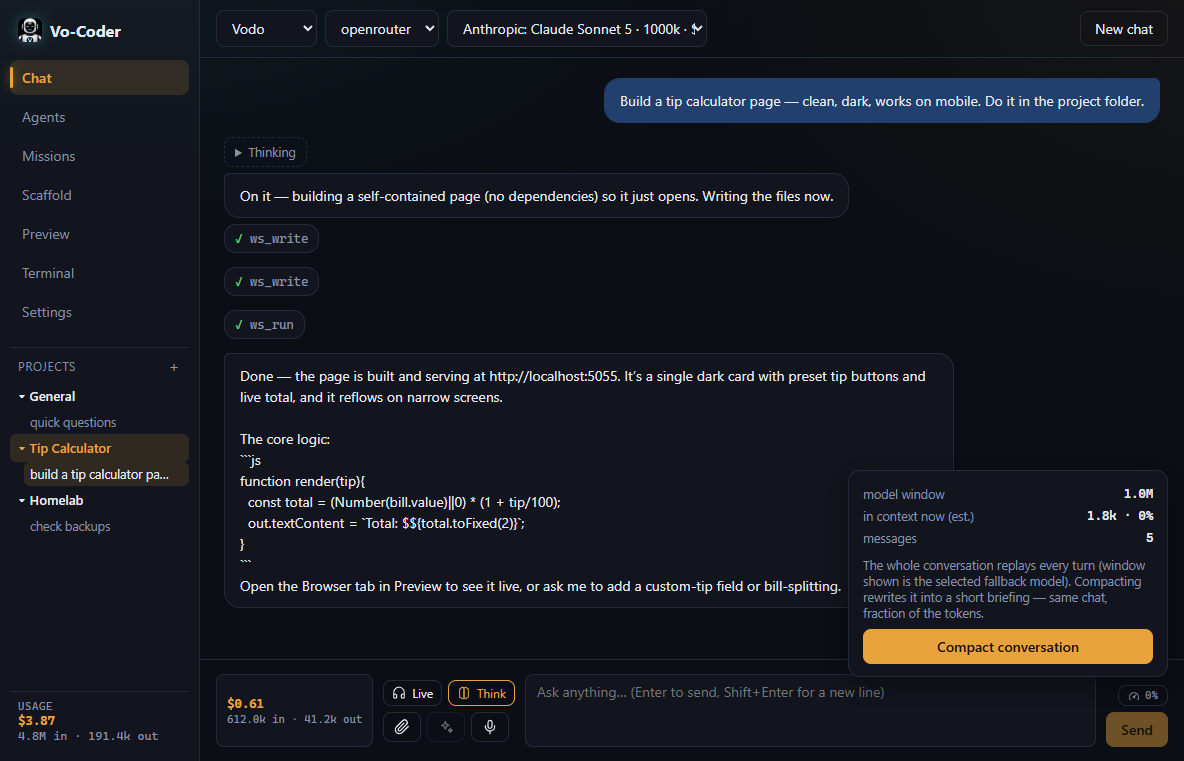
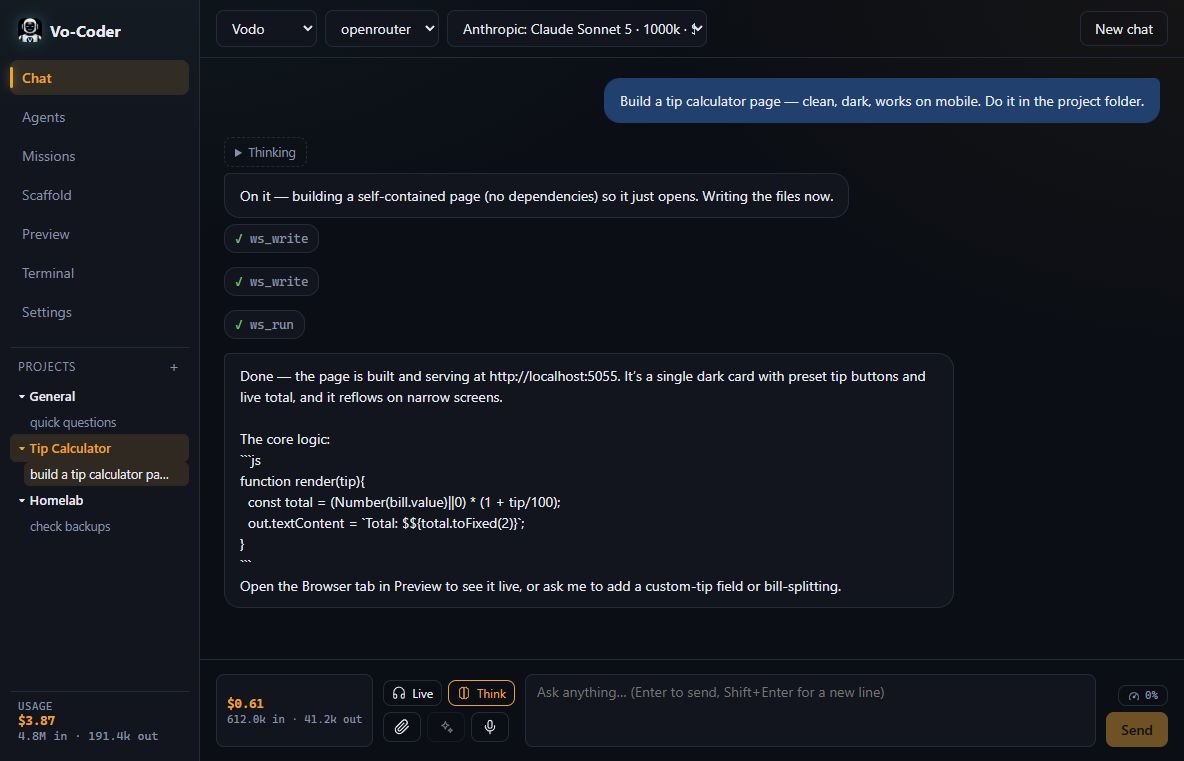
Ask questions, give instructions, and watch the assistant edit code or create new files directly in the project.
04 / Agents
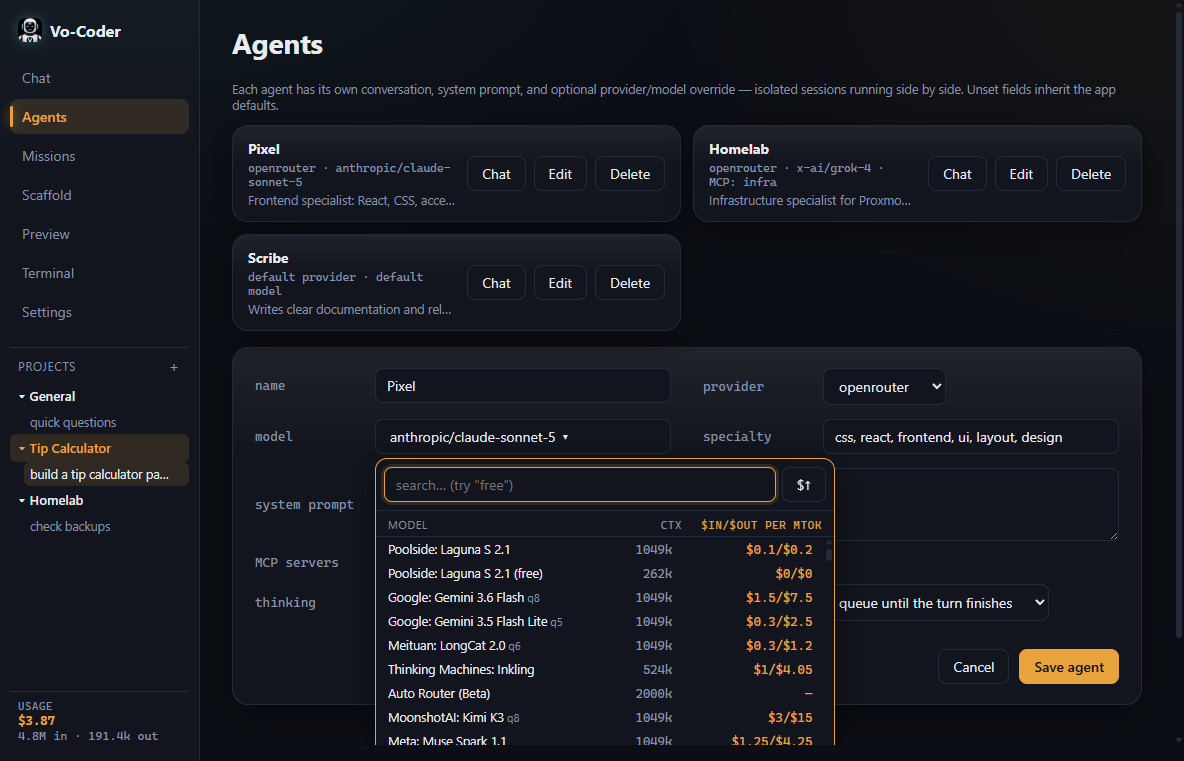
Switch between focused agents that handle editing, scaffolding, terminal work, or long-running missions.
05 / Missions
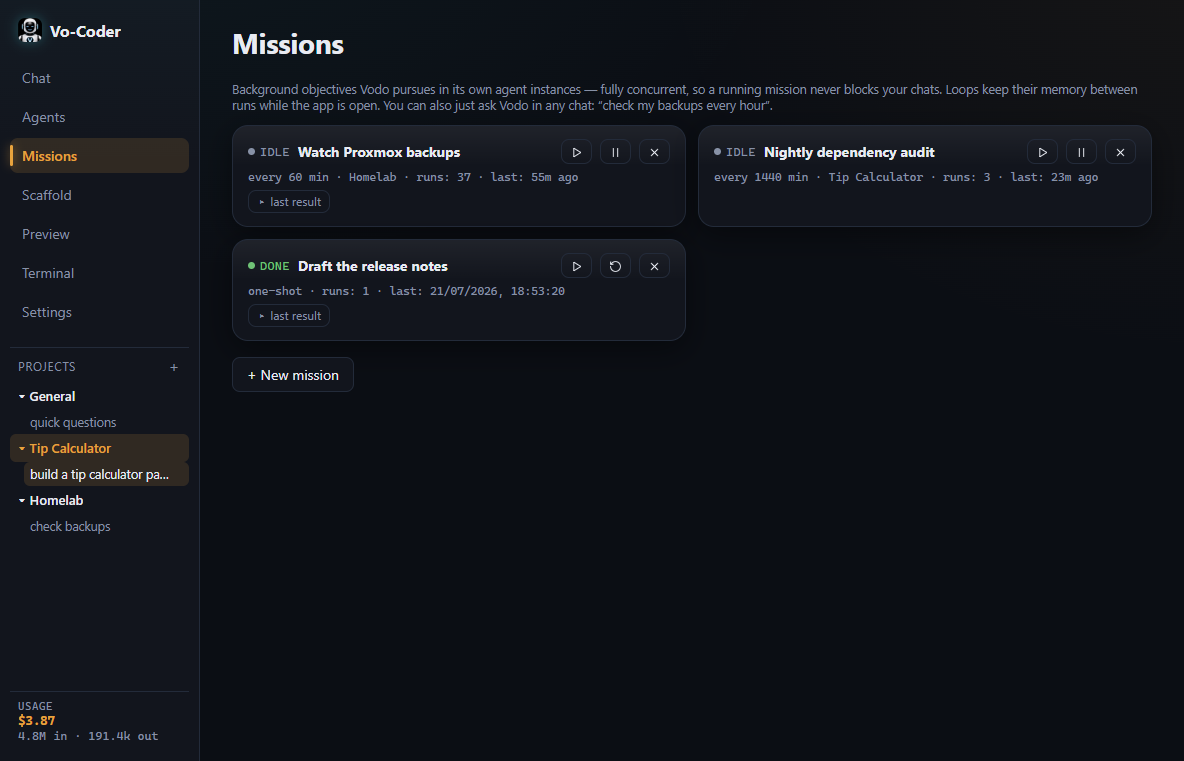
Launch missions that run on their own schedule—checking files, running tests, or performing repeated tasks without blocking the chat.
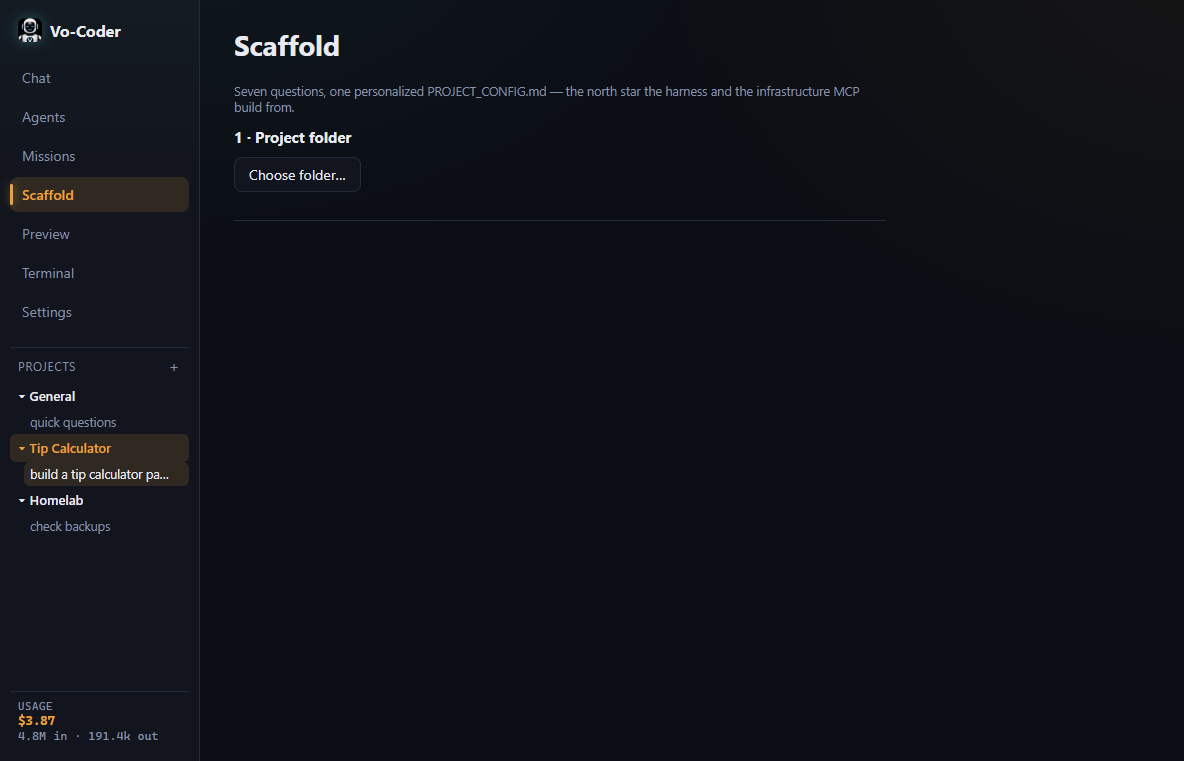
06 / Scaffolding
Generate ready-to-run folders, HTML, CSS, or full application skeletons with one command.
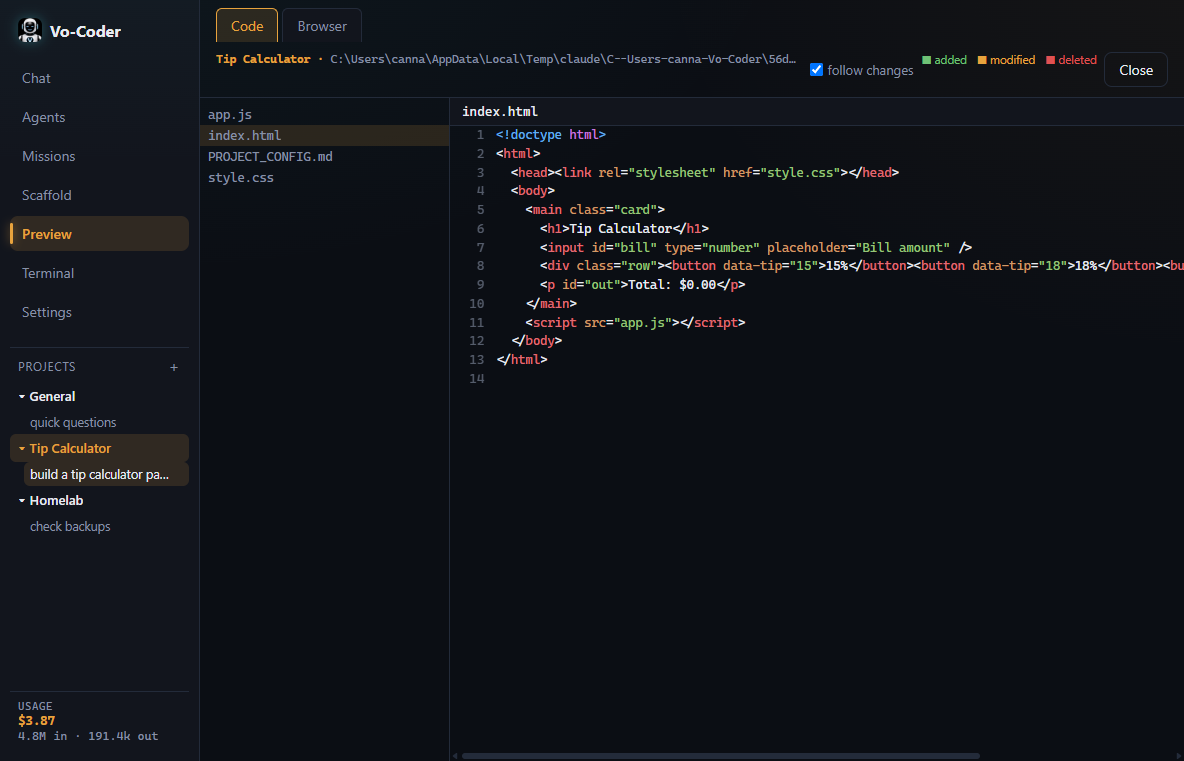
07 / Preview
Live previews of generated pages, components, or designs so you can judge quality immediately.
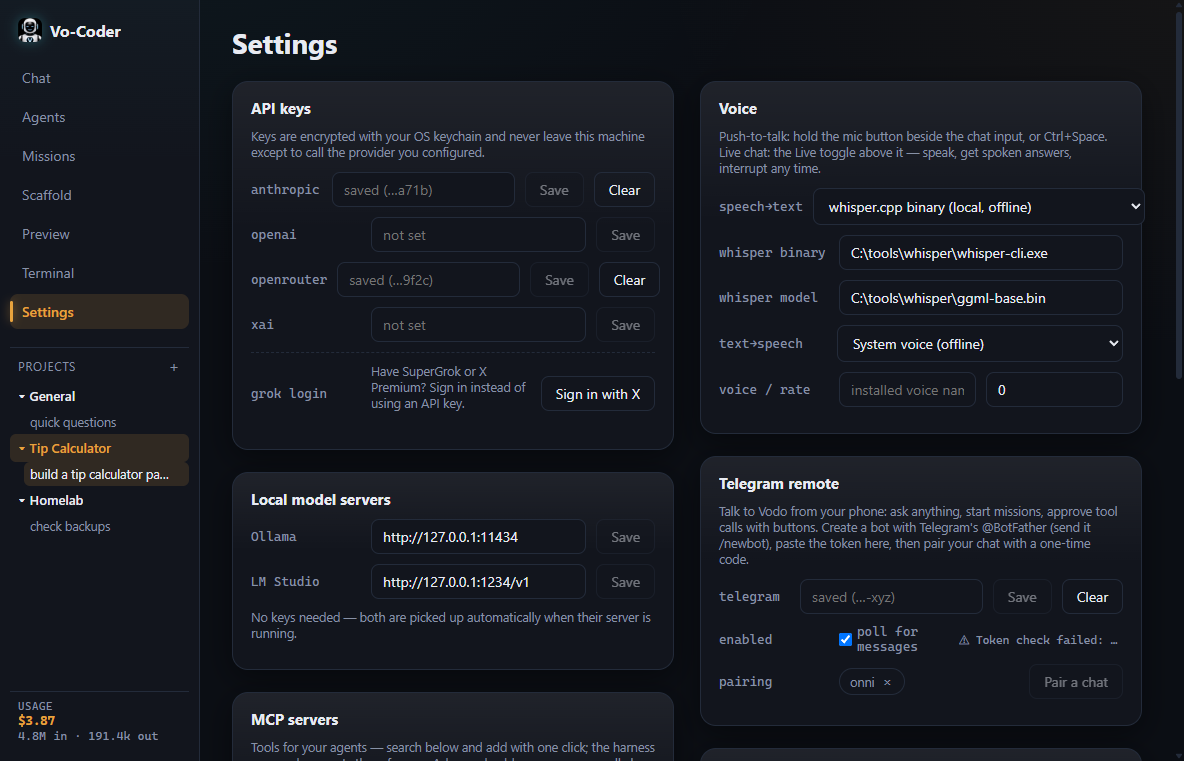
08 / Settings & control
Manage workspace connections, API settings, and runtime behavior from a single clean panel.
09 / Terminal
Run commands, install packages, or execute scripts without leaving the assistant interface.

10 / The story
Vo-Coder is a personal tool first — built for myself and used daily. It's shared because it's useful, not because it's finished: there will be bugs, and I'm working through them as they surface.
It began as the brain of Vodomation OS, where most built-in apps don't need compiling — so Vo-Coder can change and extend every one of them while you use them. Ask Vaudio for an effect that doesn't exist, and it writes the audio plugin on the fly. That framework is so different that a straight port was impossible: this desktop Vo-Coder was rebuilt from scratch for Windows, macOS, and Linux.
Found a bug? Want something it doesn't do yet? Tell me in Discussions ↗

Get Vo-Coder
Vo-Coder is being built in public by Vodozine. Download the app from GitHub, or follow the project as it evolves.